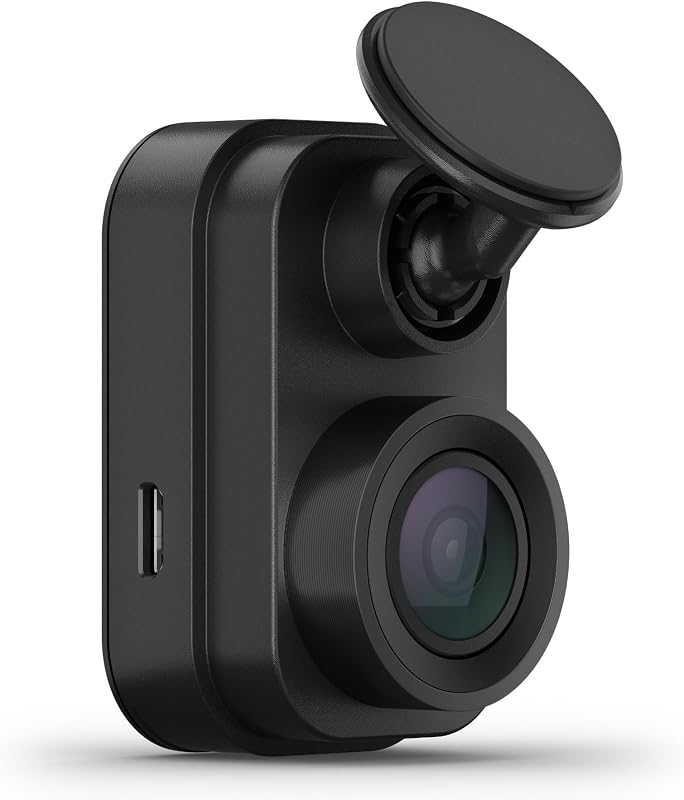
Garmin Dash Cam Mini 2
Check Price on AmazonOpens Amazon.com in a new tab
As an Amazon Associate, TopRatedPick earns from qualifying purchases made through our links, at no extra cost to you. Prices and availability are subject to change.
Key Features
Updated October 22, 2026. Based on the Amazon listing and owner reviews, not a hands-on test.
Quick verdict: The Garmin Dash Cam Mini 2 is for drivers who want a simple, discreet front camera that disappears behind the rearview mirror and just records. Its strengths are its car key size, easy app setup, voice control, and Garmin's polished software. The catch is that it records only 1080p with no GPS, so license plates are hard to read unless you are close, especially at night.
Who should buy it (and who should skip it)
Good fit if you
- Want a dash cam that is barely visible from inside or outside the car.
- Prefer a set-it-and-forget-it camera you manage from your phone.
- Already own Garmin dash cams and want to add another view, since several Garmin cams can be linked in the Garmin Drive app.
- Mainly need proof of who did what at an intersection, such as light color and lane position.
Skip it if you
- Need sharp license plate detail at a distance or at night. Higher-resolution cams do better here.
- Want speed and location stamped on your footage. The Mini 2 has no built-in GPS.
- Want front and rear coverage from one kit. This is a front-only camera.
- Want parking monitoring without buying extra power accessories.
Key specs at a glance
| Spec | Detail |
|---|---|
| Video resolution | 1080p |
| Frame rate | 30 FPS |
| Field of view | 140 degrees |
| Optics | Garmin Clarity HDR, CMOS sensor |
| Camera direction | Front only |
| Control | Voice (English, German, French, Spanish, Italian, Swedish) and Garmin Drive app |
| Storage | microSD, up to 512 GB (1 slot) |
| Special features | Automatic incident detection, voice alerts, Vault cloud uploads, Parking Guard, Live View |
| Mount | Low-profile adhesive mount, behind rearview mirror |
| Connectivity | USB, Wi-Fi (for Vault, Parking Guard, and Live View) |
| Batteries | None included |
| In the box | Camera, adhesive mount, dual USB power adapter, power cable, USB cable, documentation |
| Size and weight | 31 x 29 x 53 mm, about 1 ounce |
| Model number | 010-02504-00 |
What it does well
Small enough to forget
Garmin describes the Mini 2 as car key-sized, and the listing dimensions bear that out at roughly 1 ounce. Mounted behind the mirror, it is close to invisible from the driver's seat. Owners on Reddit and dash cam forums often say they forget it is there, and that valets and passengers rarely notice it. For drivers in places with strict rules on windshield devices, the tiny, screenless design is a big part of the appeal.
Easy setup and a polished app
Setup is short: stick the mount to the glass, plug in power, and aim the camera using the live feed in the Garmin Drive app. Published reviews and owner feedback describe it as one of the simplest dash cams to get running. The camera starts recording when the car powers up and stops when power cuts off.
Voice control and automatic incident saving
You can say commands to save a video, start or stop audio recording, or take a still photo, so you never need to reach for the camera. A built-in G-sensor detects incidents and saves the clip automatically, which protects it from loop recording.
Good-enough video for fault
The 140-degree lens with Garmin Clarity HDR records clear 1080p footage. Reviewers say daytime video is crisp and plates are readable when you are fairly close. At night, plates are hard to make out unless you are right behind the car, but the footage still shows the basics: who went where, which lane, and what color the light was. For most fender-benders, that is the evidence that matters.
Vault, Live View, and Parking Guard
Saved videos upload automatically over Wi-Fi to Garmin's online Vault. According to Garmin's manual, the free tier keeps uploads for 24 hours, and an optional subscription extends storage. With constant power and a Wi-Fi connection, Parking Guard alerts your phone when an incident is detected while parked, and Live View lets you check the camera remotely.
Expandable with other Garmin cams
Through the Drive app, the Mini 2 can sync with other Garmin dash cams so several cameras record together. Some owners add a second Mini 2 on the rear window to get rear coverage, though each one needs its own power.
Common complaints and limitations
No GPS
The Mini 2 has no built-in GPS, so your clips do not show speed or location. Published reviews note that location data is only available if you pair it with a Garmin dash cam that has GPS. If you want a speed record to back up your account of an accident, this is a real gap.
1080p limits plate reading
This is the most common technical complaint. At 1080p, distant plates blur, and night plates are tough. Owners comparing it with rivals often point to 2K and 4K cameras with newer sensors for better low-light detail.
App and connection issues
A recurring complaint involves the Garmin Drive app. Some owners report trouble connecting with certain Android phones, and one returned the camera over it. Several owners are frustrated that the app is built around saved clips, so reviewing a full trip usually means pulling the card and using a computer.
Long-term failures and power problems
Most owners report years of trouble-free use, but a pattern of failures shows up on Reddit. Several owners say their units began showing green, distorted video after one to three years. Others report the camera repeatedly disconnecting and reconnecting during a drive, often traced to a power source or cable issue. Use the included adapter and cable before blaming the camera.
Parking Guard needs extra hardware
Parking Guard is not plug-and-play. Garmin's manual says the camera must connect to an always-on 12V source, such as Garmin's Constant Power Cable for the OBD II port or the Parking Mode Cable, and alerts need a Wi-Fi connection. Most parked cars are not in Wi-Fi range, so the alert feature mainly helps if you park at home.
Front only
There is no rear camera in the box. Rear coverage means buying and powering a second camera.
Setup and everyday use
- Choose a quality card. The Mini 2 needs a microSDHC or microSDXC card, and Garmin keeps a list of recommended cards on its site. A high-endurance card handles constant rewriting better. You do not need the maximum 512 GB; a mid-size card holds plenty of 1080p footage.
- Mount it behind the mirror. Clean the glass with alcohol, let it dry, and press the adhesive mount firmly. Mounting on the passenger side of the mirror keeps it out of your view. Make sure the lens sits inside the wiper sweep.
- Hide the cable. The long power cable is designed to tuck behind the trim along the headliner and pillar. Avoid routing it across airbag panels.
- Use the included power adapter. Many dropout complaints trace back to weak USB ports or third-party chargers. Garmin's dual USB adapter also leaves a spare port for your phone.
- Set up Parking Guard properly. If you want parked monitoring, add a constant power source and set it in the Drive app. Parking Guard is an app setting, separate from the parking mode found on some other Garmin models.
- Check footage now and then. Pull a clip every few weeks to confirm the camera is still recording cleanly. That is the easiest way to catch a failing card or sensor early.
- Know the rules. Garmin notes that some jurisdictions regulate dash cams, audio recording, and windshield mounting. Turn off audio if passengers have not agreed to it.
How it compares
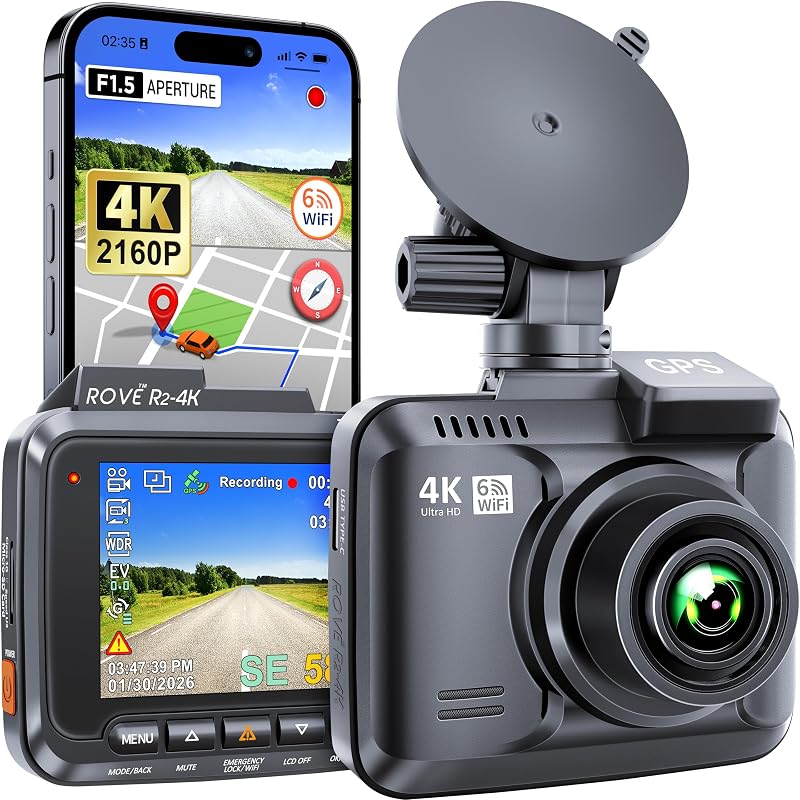
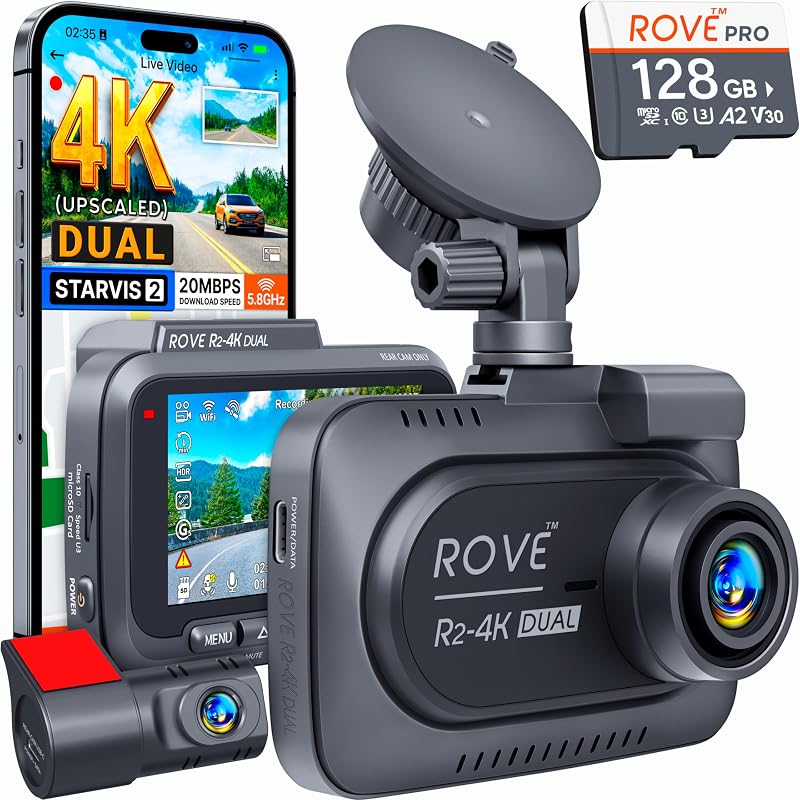
Vs. the ROVE R2-4K Dash Cam: The ROVE records in 4K, so it offers more resolution for reading plates. The Garmin wins on size, discretion, and app polish. Pick the ROVE if detail is the priority, and the Garmin if you want something nearly invisible and simple.
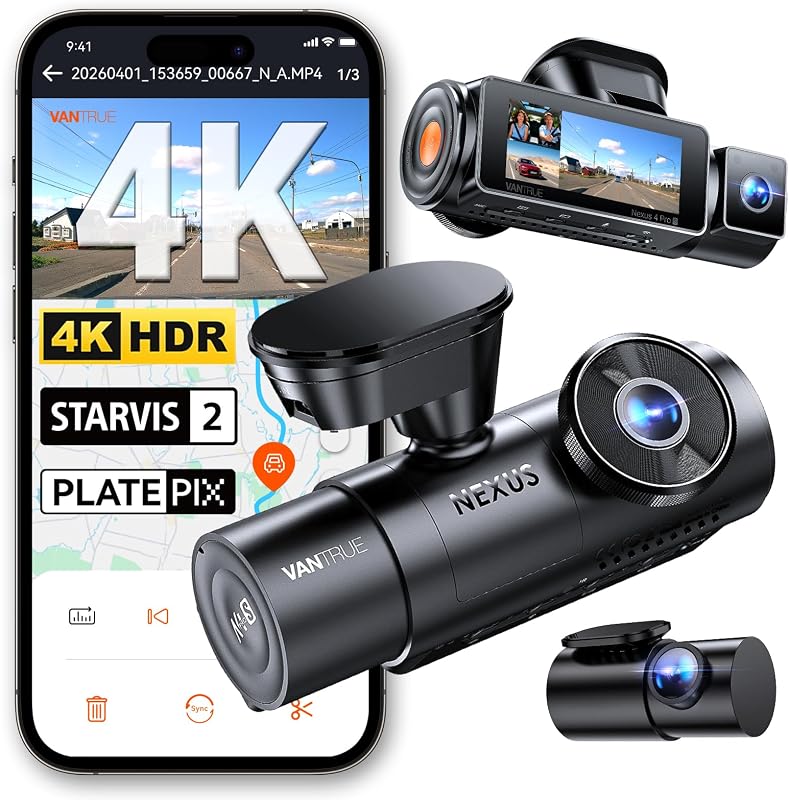
Vs. the Vantrue N5S 4 Channel Dash Cam: The N5S is at the other extreme, with four cameras, interior IR night vision, GPS, and buffered parking mode. It suits rideshare drivers and anyone who wants the whole car on record. The Mini 2 suits commuters who just want a reliable front witness without installation work.
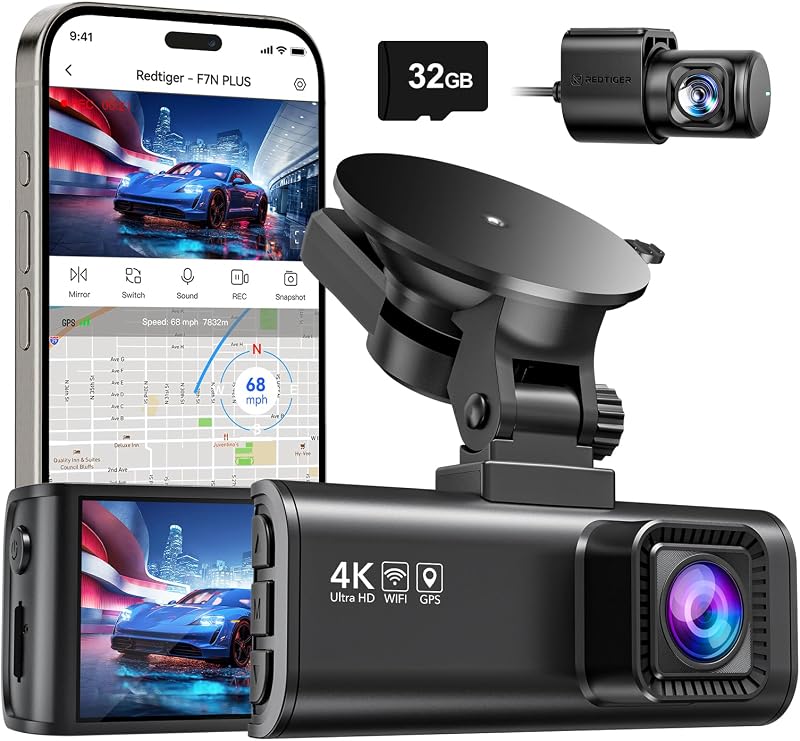
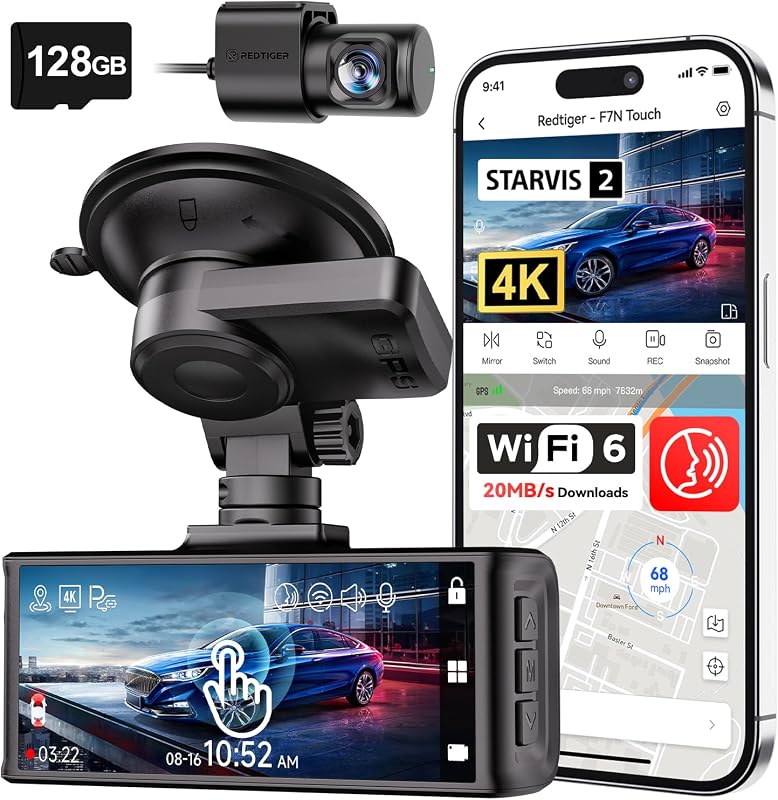
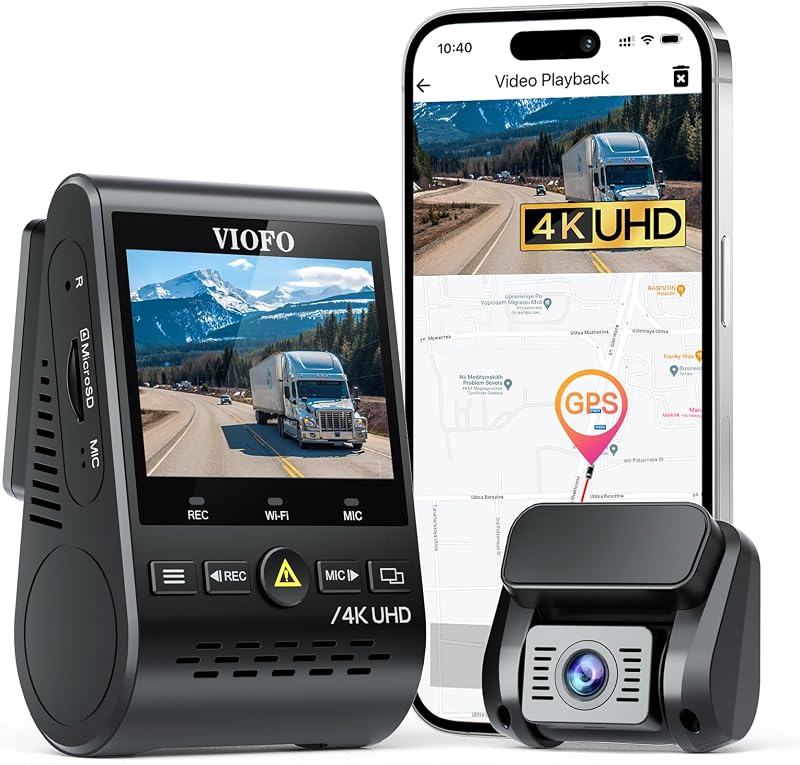
Against other 4K options on our site, such as the REDTIGER F7N Touch and VIOFO A129 Pro Duo, the trade-off is the same. You get more resolution and features from those, while the Garmin offers the smallest footprint. If you are shopping on a budget, our budget dash cam guide covers more options.
Frequently asked questions
Does the Garmin Dash Cam Mini 2 have GPS?
No. The Mini 2 has no built-in GPS, so it does not record speed or location. It can share location data only when synced with a Garmin dash cam that has GPS through the Drive app.
Does the Garmin Dash Cam Mini 2 have a screen?
No. Despite some listing fields mentioning a display, the Mini 2 has no built-in screen. You aim it and view footage with the Garmin Drive app or by reading the memory card on a computer.
Does the Garmin Mini 2 need a hardwire kit for Parking Guard?
Yes, it needs constant power. Garmin says Parking Guard requires an always-on 12V source, such as its Constant Power Cable for the OBD II port or the Parking Mode Cable, plus a Wi-Fi connection for alerts.
What size memory card does the Garmin Dash Cam Mini 2 take?
It takes microSDHC or microSDXC cards up to 512 GB. Garmin publishes a list of recommended cards, and a high-endurance card is the safer choice for constant loop recording.
Is the Garmin Vault free?
Partly. Saved videos upload to the Vault over Wi-Fi and stay there for 24 hours at no cost. Longer storage requires an optional Vault subscription bought through the Garmin Drive app.
Can the Garmin Mini 2 read license plates at night?
Only at close range. Reviewers say night plates are hard to read unless you are right behind the other car. It still captures the basic events needed to show who was at fault.
Bottom line
The Garmin Dash Cam Mini 2 does one job well: it records the road ahead from a tiny, discreet housing that most people will never notice. Setup is easy, voice control is handy, and the Vault and Parking Guard features add value if you can provide Wi-Fi and constant power. Its limits are real, though: 1080p only, no GPS, no rear camera, and some reports of failures after a few years. If you want a simple front witness that stays out of sight, check the current price and pair it with a quality memory card.